

WUFTREK GUIDE
TagTrek AirTag Dog Collar: Complete Guide
Learn how the integrated holder works, what Apple’s Find My network can do, and what to consider when choosing and using the collar correctly.
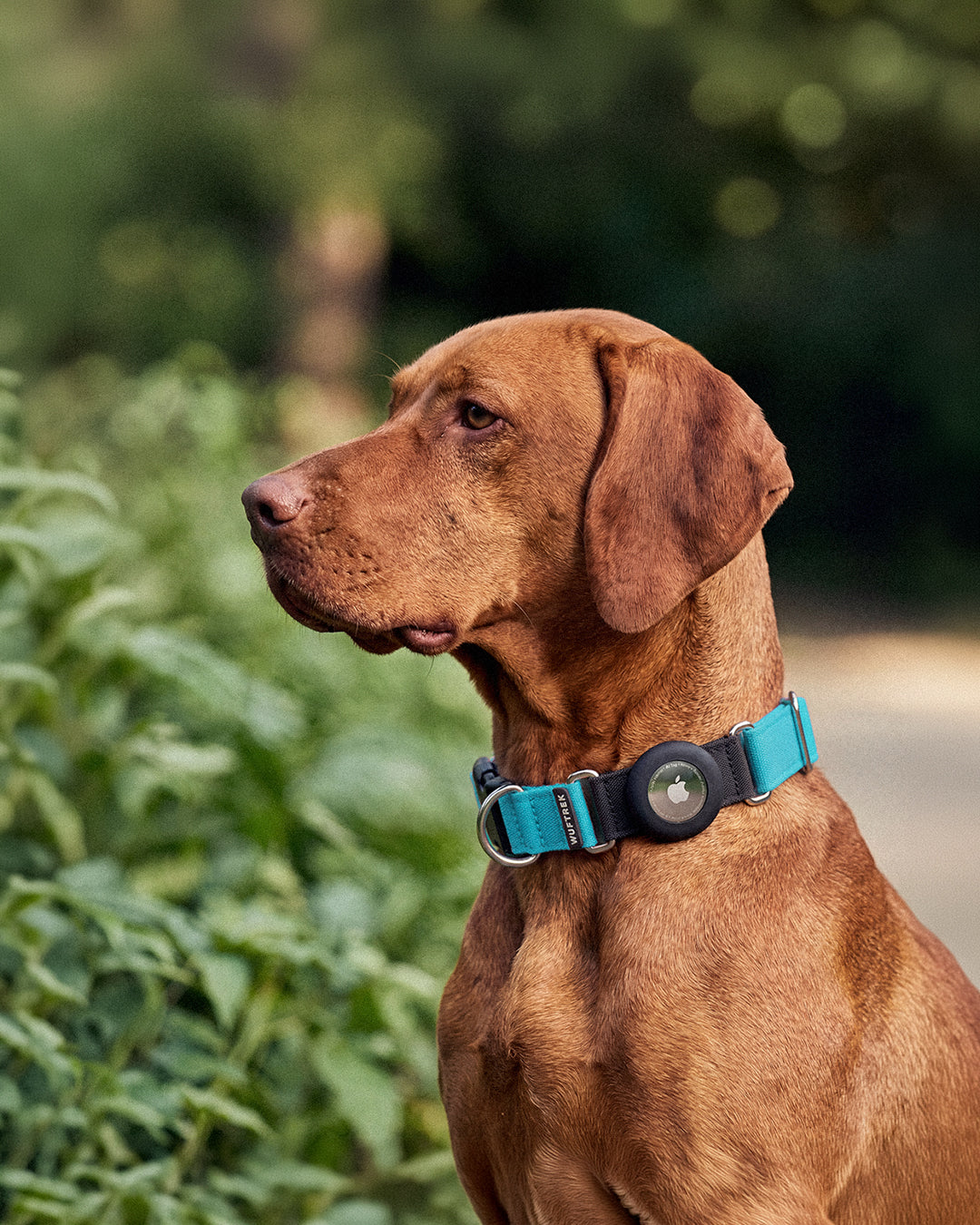
AIRTAG + FIND MY NETWORK
How an AirTag works on the collar
TagTrek holds the AirTag; the location technology belongs to Apple’s device.
Set up the AirTag
Link it to your Apple Account from a compatible iPhone or iPad and give it a name in the Find My app.
Insert it into TagTrek
Place the AirTag inside the silicone holder, make sure it is fully seated, and fit the collar correctly around your dog’s neck.
Check Find My
The AirTag emits a Bluetooth signal. Nearby devices participating in the Find My network can detect it and relay its location to iCloud so it can appear on the map.
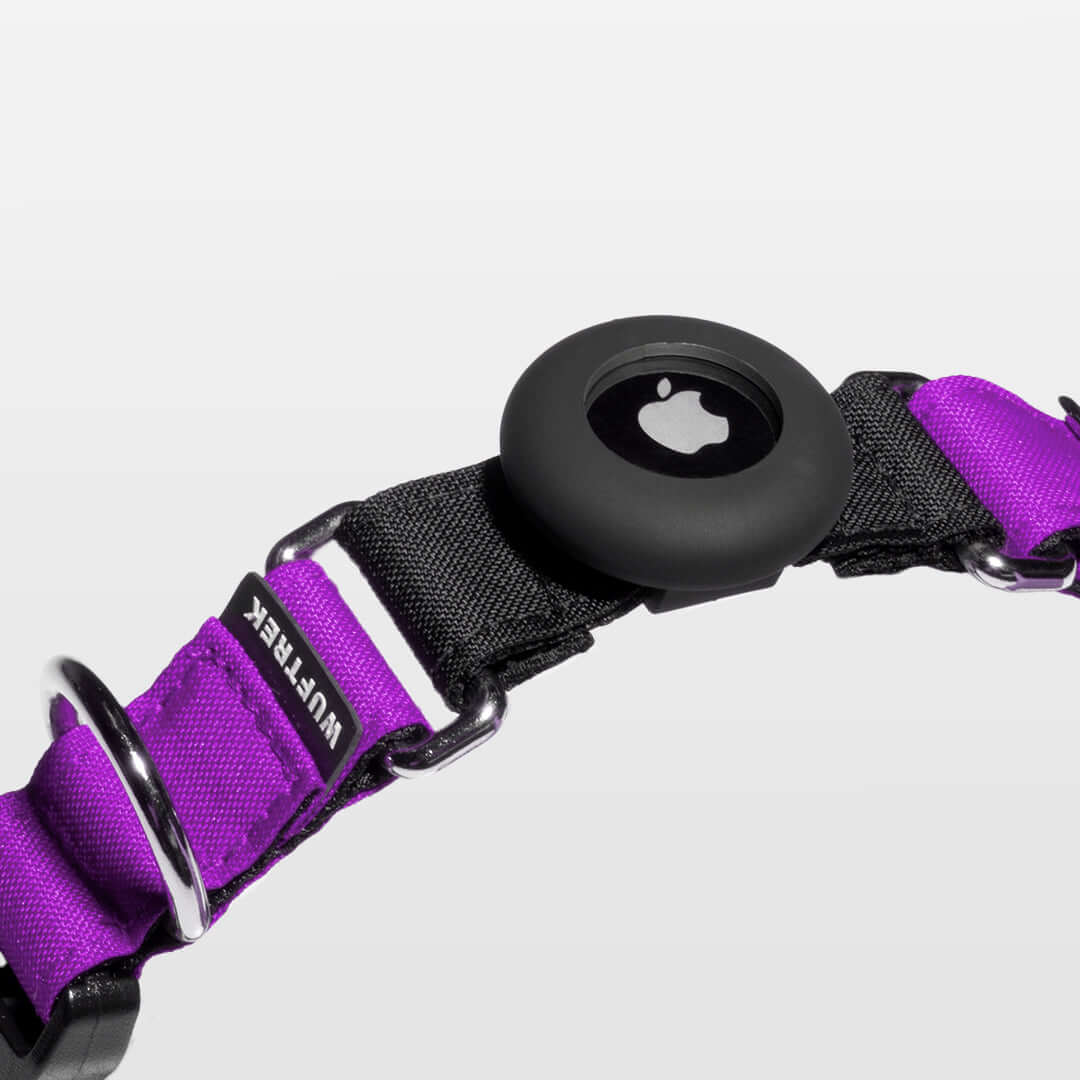
INTEGRATED DESIGN
AirTag on the collar, without a dangling holder
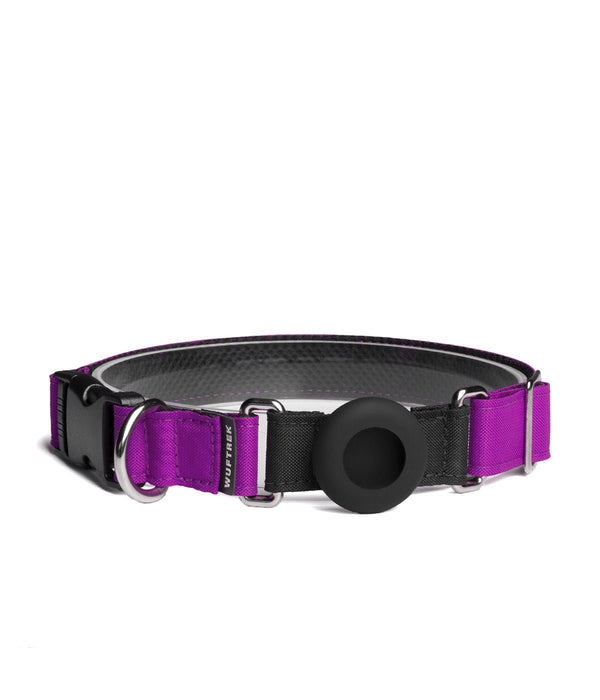
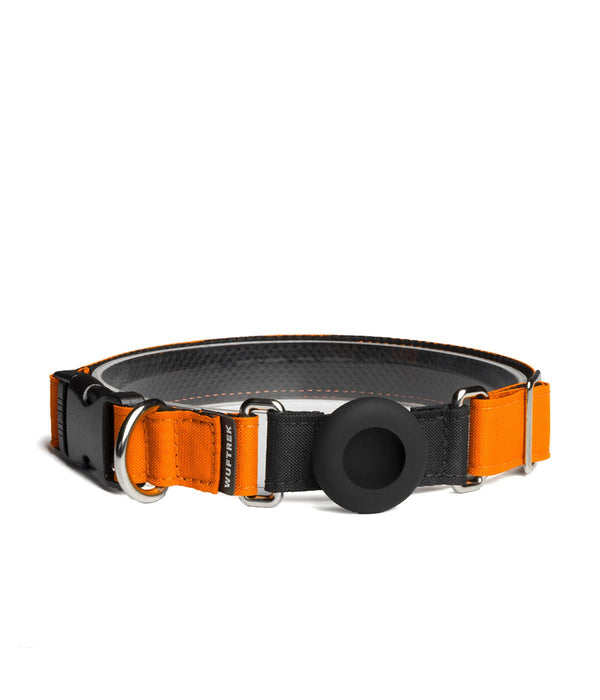
TagTrek includes a silicone holder that keeps the AirTag fitted directly to the collar. The device stays discreet and stable during walks without adding a loose piece that swings against the ID tag.
Integrated holder
Designed to carry the AirTag directly on the collar.
Padded interior
Sport Mesh supports comfortable everyday wear.
Durable construction
Polyester textile, reinforced stitching and a metal D-ring.
Reflective details
Added visibility support in low-light conditions.
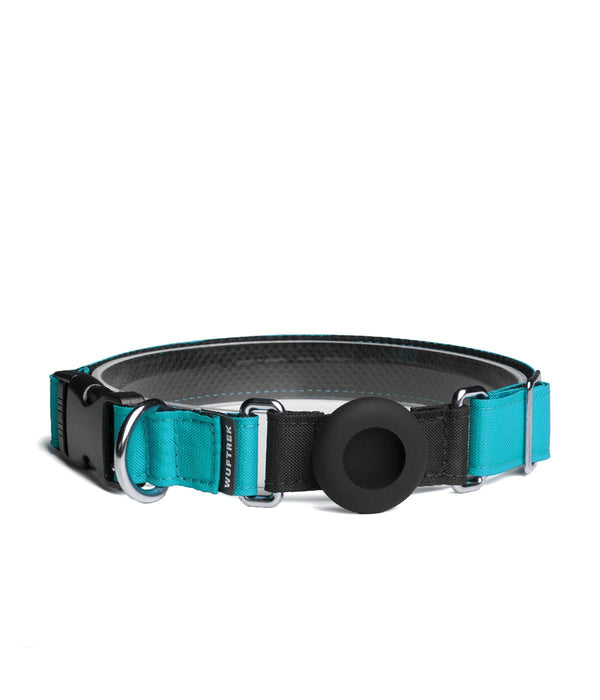
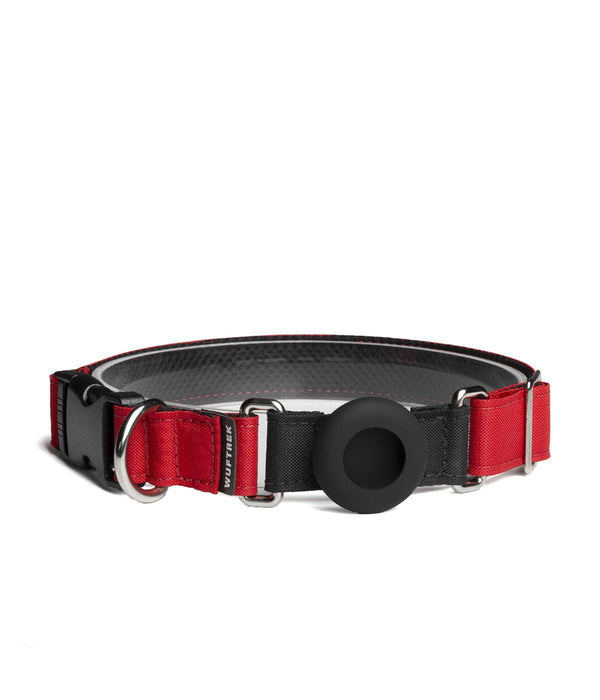
COLORS FOR EVERY SETUP
One design, different styles
The TagTrek collection is available in several colors. Check each product page for current sizes and availability.
MAKE AN INFORMED CHOICE
AirTag and GPS trackers serve different purposes
The right option depends on the environment, how frequently you need location updates, and the system you use.
AIRTAG IN TAGTREK
Supplemental locating aid
- Technology
- Bluetooth and the Find My network
- Updates
- Depend on nearby participating devices
- Monthly plan
- AirTag does not require its own subscription
- Best suited for
- Additional support within the Apple ecosystem
GPS TRACKER
More frequent tracking
- Technology
- GPS and usually a cellular connection
- Updates
- Often more frequent, depending on the device and service
- Monthly plan
- Many models require a subscription
- Best suited for
- Recurring remote tracking or more specific tracking needs
USE & CARE
Installing and caring for TagTrek
Set it up first
Link the AirTag to your Apple Account and confirm it appears correctly in Find My before inserting it.
Inspect the holder
Insert the device completely and check the holder, buckle, D-ring and stitching before each outing.
Remove the device
Take the AirTag out before washing the collar or exposing it directly to cleaning products.
Clean gently
Hand wash the collar with cold water and mild soap. Let it air-dry completely before reinstalling the AirTag.
BEFORE YOU BUY
Measure the neck, not another collar
Measure your dog’s neck where the collar normally sits. Choose the size using the product chart and leave enough room to fit two fingers between the collar and the neck.
RESPONSIBLE SAFETY
An additional everyday tool
Can help you
- Carry the AirTag in an integrated, discreet position.
- Check the location reported by Find My.
- Enable Lost Mode through Apple when needed.
Does not replace
- A leash and supervision during walks.
- A visible tag with contact information.
- A microchip with up-to-date details.
FREQUENTLY ASKED QUESTIONS
About TagTrek and Apple AirTag
Does the TagTrek collar include an AirTag?
No. TagTrek includes the silicone holder integrated into the collar, but the Apple AirTag is sold separately.
Does AirTag work like a GPS tracker for dogs?
No. AirTag uses Bluetooth and Apple’s Find My network; it does not transmit continuous satellite location like a GPS tracker.
Does AirTag show my dog’s location in real time?
Not continuously or with a guaranteed update interval. The location can update when nearby devices participating in the Find My network detect the AirTag. If coverage is limited, the app may show the last reported location.
What happens if there are no Apple devices nearby?
The location might not update until a device participating in the Find My network comes near the AirTag. Until then, the app may keep showing the last available location.
Can I set up an AirTag from an Android phone?
To set up and manage an AirTag in Find My, you need a compatible iPhone or iPad and an Apple Account. Some Android phones can receive unwanted-tracking alerts or read Lost Mode NFC information, but they cannot manage the AirTag in Find My.
Can I get the collar wet or wash it with the AirTag installed?
Remove the AirTag before washing or submerging the collar. Water resistance belongs to the AirTag itself and can change with wear; the TagTrek holder should not be treated as a certified waterproof case.
How do I choose the correct TagTrek size?
Measure the neck where the collar will sit and compare that measurement with the product size chart. You should be able to fit two fingers between the collar and the neck without leaving the collar loose.
Does TagTrek replace an ID tag, microchip or leash?
No. TagTrek and AirTag are complementary tools. Keep visible identification, an up-to-date microchip, supervision and an appropriate leash for the environment and activity.
TagTrek is a WUFTREK product compatible with AirTag. AirTag and Find My are trademarks of Apple Inc. Apple does not manufacture or sponsor TagTrek.
FIND YOUR TAGTREK
Choose the color and size for your dog
Explore the full TagTrek collection and check availability for each combination.